
Choosing the Right Budgeting Software
🧠 1. Comprehensive Financial Reporting
Your budgeting software should offer more than just a Profit & Loss statement. Look for:
🔹Integrated Financial Statements: Ensure the software provides a complete set of financial reports, including Profit & Loss, Balance Sheet, Cash Flow, and Funds Flow. This integration allows for accurate forecasting and financial analysis.
🔹Scenario Planning: The ability to model different financial scenarios helps in understanding potential outcomes and preparing for uncertainties.
🔹Variance Analysis: Compare budgeted figures with actual performance to identify discrepancies and make informed adjustments.
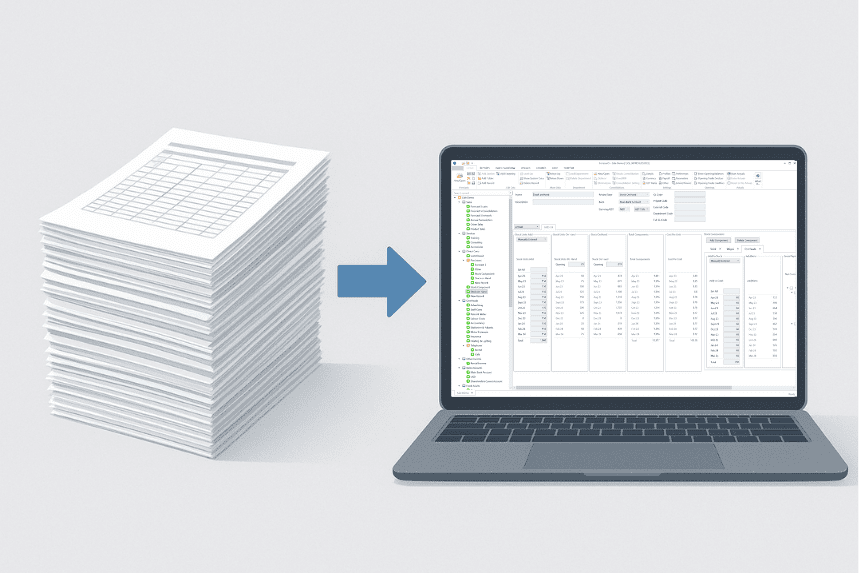
⚙️ 2. Automation and Efficiency
Manual data entry is time-consuming and prone to errors. Opt for software that offers:
🔹Automated Calculations: Features like built-in rules for wages, stock, accruals, and other financial elements reduce manual input and increase accuracy.
🔹Data Import/Export Capabilities: Seamlessly import actuals and export reports to and from your accounting systems, saving time and minimizing errors.
🔹Rolling Forecasts: Maintain up-to-date forecasts by automatically updating projections based on actual performance.
Manual data entry is time-consuming and prone to errors. Opt for software that offers:
🔹Automated Calculations: Features like built-in rules for wages, stock, accruals, and other financial elements reduce manual input and increase accuracy.
🔹Data Import/Export Capabilities: Seamlessly import actuals and export reports to and from your accounting systems, saving time and minimizing errors.
🔹Rolling Forecasts: Maintain up-to-date forecasts by automatically updating projections based on actual performance.
🌐 3. Scalability and Flexibility
As your business grows, your budgeting needs will evolve. Choose software that can scale with you:
🔹Multi-Entity Support: Manage budgets across different departments, branches, or cost centers within a single platform.
🔹Multi-Currency Handling: If operating internationally, ensure the software supports multiple currencies and allows for exchange rate adjustments.
🔹Customizable Templates: Adapt the software to fit your specific industry requirements and financial structures.
🔒 4. Security and Compliance
Protecting your financial data is paramount. Ensure the software provides:
🔹Data Encryption: Safeguard sensitive information with robust encryption methods.
🔹Access Controls: Implement user roles and permissions to restrict access to confidential data.
🔹Compliance Features: Stay compliant with industry standards and regulations through built-in compliance tools.
🚀 5. User-Friendly Interface
A complex interface can hinder productivity. Look for software that offers:
🔹Intuitive Dashboards: Visual representations of financial data make it easier to understand and analyse.
🔹Customizable Views: Tailor the interface to display the most relevant information for your role.
🔹Mobile Accessibility: Access your financial data on-the-go with mobile-compatible platforms.
🔄 6. Seamless Integration
Your budgeting software should work harmoniously with your existing systems:
🔹Accounting Software Integration: Ensure compatibility with platforms like Xero, MYOB, QuickBooks, or Sage for smooth data synchronization.
🔹ERP System Compatibility: If you use an Enterprise Resource Planning system, verify that the budgeting software integrates seamlessly to provide a unified financial overview.
🧩 7. Support and Training
Adequate support is essential for maximizing the potential of your budgeting software:
🔹Customer Support: Access to responsive and knowledgeable support teams can resolve issues promptly.
🔹Training Resources: Availability of tutorials, webinars, and documentation to help users get the most out of the software.
🔹Community Forums: Engage with other users to share tips, best practices, and solutions to common challenges.
📌 Final Thoughts
Selecting the right budgeting software is a strategic decision that can enhance your financial planning and analysis capabilities. By considering factors like comprehensive reporting, automation, scalability, security, user-friendliness, integration, and support, you can choose a solution that aligns with your business objectives and drives success.
💪 Introducing Forecast 5
Forecast 5 delivers everything you need in a modern budgeting tool. From comprehensive financial reporting with integrated Profit & Loss, Balance Sheet, Cashflow, and Funds Flow, to automated calculations that save time and eliminate errors, Forecast 5 empowers your team to make smarter decisions. Its scalable and flexible platform supports multiple entities, currencies, and customizable templates, while robust security and compliance features protect your critical data.
With an intuitive, user-friendly interface, seamless integration with accounting and ERP systems, and dedicated support and training, Forecast 5 transforms budgeting from a manual chore into a strategic advantage.
Faster Forecasts. Fewer Errors. One Trusted Platform.
See the difference in just 21 days!
Start your free trial or request a demo to experience smarter forecasting