
Are Your Financial Tools Up to the Task? 10 More Questions CFOs Should Ask
1. Does your software handle the full requirements, including Profit & Loss, Balance Sheet, Loans, Fixed Assets, Sales, and Costs?
Forecast 5 is a full solution catering to all the necessary entries to build a comprehensive model.
2. Does your cashflow model accommodate varying payment terms for different customers?
Forecast 5 allows each record to define its own terms for cash flow, including days credit, profile, hotlink, and manual entry.
3. Can your budgeting software properly handle wages, including PAYE/PAYG and their impact on cashflow?
Forecast 5 allows wages by individual or groups and by gross or net wages, differentiating PAYE/PAYG for each record.
4. Does your software incorporate the opening balance sheet, including debtors and creditors?
Forecast 5 has opening balances that can be entered, imported, or integrated to complete the full budget and cashflow projection.
5. Can you enter actuals and generate variance reports for analysis?
Forecast 5 handles actuals being entered manually, imported from a spreadsheet or an accounting package, and provides integrated variance reports for analysis.
6. How easy is it to revise your forecast to reflect real events?
Forecast 5 handles rolling forecasts with ease, allowing you to revise your forecast as necessary and provide reports when needed.
7. Does your solution support historical metrics and KPIs in the same model?
Forecast 5 supports all these methods in the same model, allowing you to base records on historical data, percentages, or KPIs.
8. Can your system present a full set of financials, including multi-year Profit & Loss, Balance Sheet, Cashflow, and Funds Flow?
Forecast 5 provides a full reflective reporting suite plus schedules, visuals, and assumption reports to give a complete answer with just one click.
9. Can you run multiple "what-if" scenarios and extend your model beyond the first year?
Forecast 5 has powerful what-if analysis, instantly showing the new bank balance, profit, and balance sheet simply by running the what-if reports.
10. Is your solution intuitive, easy to use, and logical?
Forecast 5's quick report views show you your overall position, with drill-down to records from section summaries, making management easy.
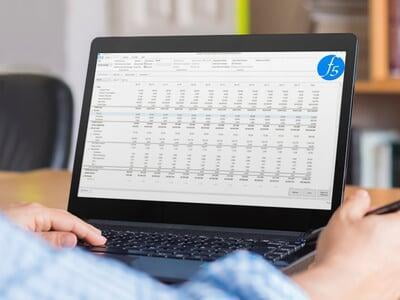
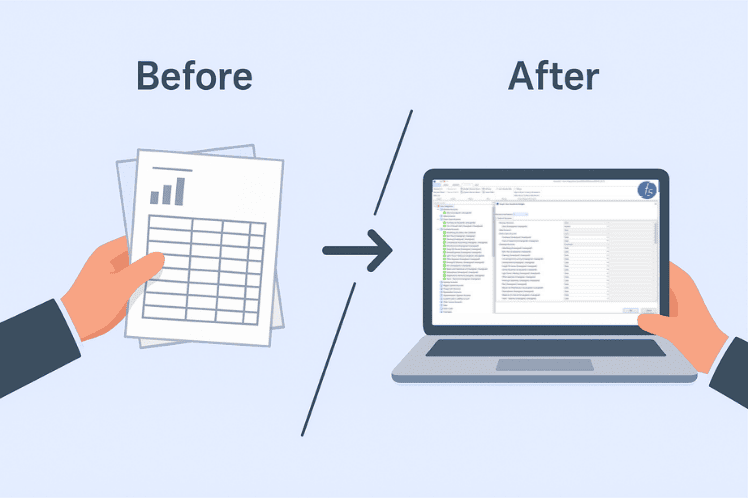
If your current tools fall short in any of these areas, it may be time to consider a more robust solution. Forecast 5 offers a comprehensive, accurate, and user-friendly alternative to traditional spreadsheets.
Faster Forecasts. Fewer Errors. One Trusted Platform.
See the difference in just 21 days!
Start your free trial or request a demo to experience smarter forecasting